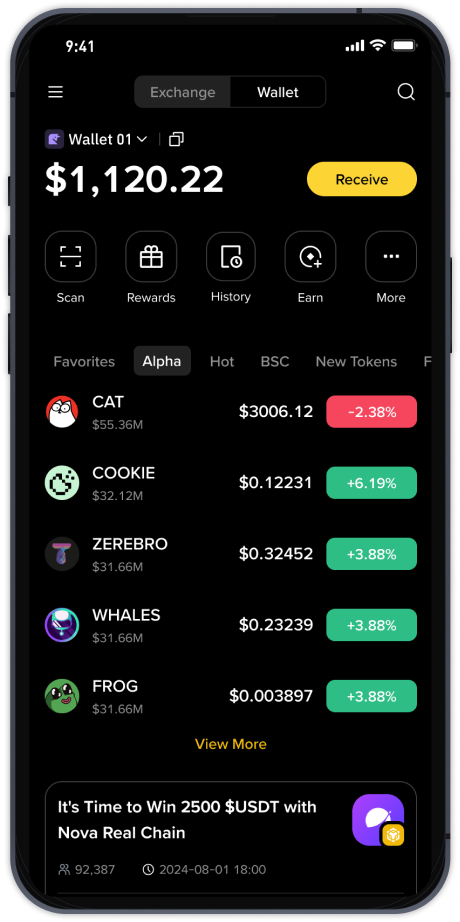
How to Withdraw from TP Wallet on Binance Smart Chain to Binance Exchange: A Step-by-Step Guide

If you are using TP Wallet (TokenPocket) to manage your crypto assets on the Binance Smart Chain (BSC) and need to move your funds to Binance Exchange for withdrawal or trading, the process is straightforward but requires careful attention to network details. This guide will walk you through the key steps to ensure a successful transfer without losing your funds.
First, understand the core concept: TP Wallet is a decentralized wallet where you hold your private keys, while Binance Exchange is a centralized trading platform. To transfer tokens from TP Wallet to Binance, you initiate a withdrawal from TP Wallet and a deposit into your Binance account. The most critical factor is ensuring you use the correct network—Binance Smart Chain (BEP-20) for sending and receiving.
Step 1: Prepare Your Binance Deposit Address. Log in to your Binance account. Navigate to "Wallet" > "Fiat and Spot" > "Deposit". Search for the token you wish to transfer, such as BNB, USDT, or CAKE. When selecting the network, choose BSC (BEP-20). Binance will generate a deposit address and a memo tag (if required for specific tokens). Copy this address carefully. Double-check the network selected—using the wrong network could result in permanent loss of funds.
Step 2: Access Your TP Wallet. Open the TP Wallet app. Ensure you are on the correct blockchain. Click on the mainnet icon and confirm "Binance Smart Chain" is selected. Navigate to the asset you want to send. Click "Send" or "Transfer".
Step 3: Execute the Transfer. Paste the Binance deposit address into the recipient field. Enter the amount you wish to withdraw. TP Wallet will show the estimated network fee (gas fee), which is paid in BNB. Ensure you have a small amount of BNB in your TP Wallet to cover this fee. Confirm the transaction details—address, amount, and network. Once verified, submit the transaction. You may need to authorize it with your wallet password or biometrics.
Step 4: Confirm on Binance. After sending, the transaction will be broadcast to the BSC network. Confirmation times are usually fast (seconds to minutes). On Binance, go to "Deposit History" to see if the transfer is pending. Once it reaches the required number of block confirmations (typically 10-15 for BSC), the funds will be credited to your Binance spot wallet.
Step 5: Withdraw from Binance to Fiat (if needed). If your goal is to withdraw to your bank account or a fiat currency, you can now trade your tokens for a stablecoin or fiat pair on Binance. For example, if you sent USDT (BEP-20), you can sell it for USD, EUR, or your local currency, then use Binance's "Withdraw" function to send funds to your bank account via SEPA, SWIFT, or other available methods.
Common mistakes to avoid: Never send tokens directly from TP Wallet to a Binance deposit address using the wrong network (e.g., sending a BEP-20 token to an ERC-20 address). Always perform a small test transaction if you are uncertain. Also, ensure you do not enter a memo for tokens that do not require one, as incorrect memo data can delay or lose funds.
In summary, withdrawing from TP Wallet on Binance Smart Chain to Binance Exchange involves three main steps: getting your correct BSC deposit address from Binance, initiating a send from TP Wallet, and then waiting for network confirmations. With proper attention to network selection and addresses, the process is quick and secure.